Tattoo stencil maker for iPhone and iPad
Photo to tattoo stencil. No upload.
Turn photos and artwork into strong, editable tattoo stencil linework on your device.
3 clean exports free · $2.99 lifetime Pro unlock
On-deviceNo artwork upload
Purpose-builtClean, fine, and bold styles
One purchaseNo recurring subscription
No subscription. No credits. No cloud step.
Make three clean, full-resolution exports free, then unlock unlimited exports for printing and transfer.
- First 3 exports free
- Clean, full-resolution PNG files with no watermark.
- $2.99 once
- Unlock unlimited clean, full-resolution PNG exports for life.
- No artwork upload
- Image conversion happens on your iPhone or iPad, with no account or developer-operated image server.
Real output
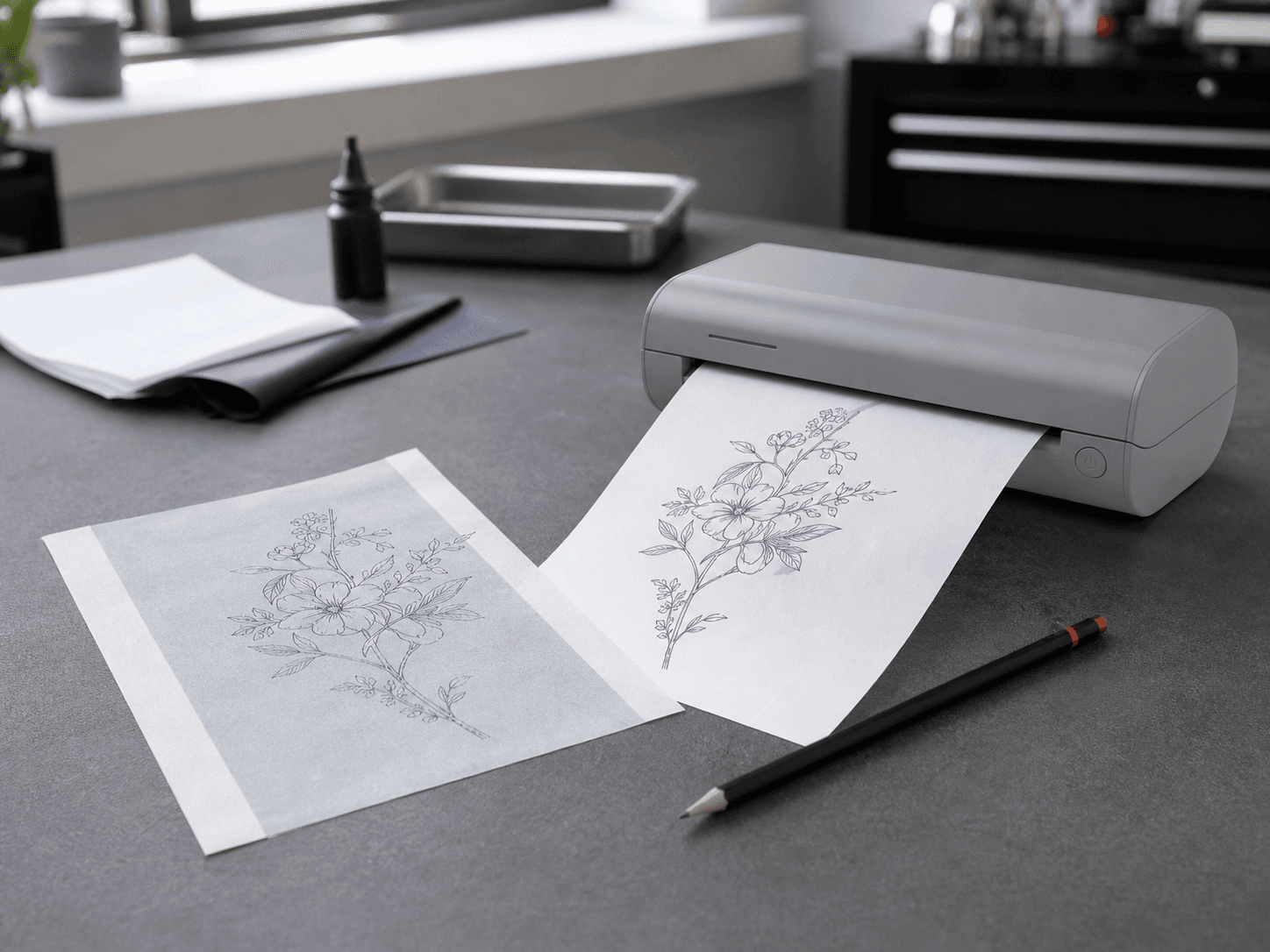
Less cleanup before the printer.
StencilDrop looks for useful contours, suppresses low-value texture, and gives you direct control over detail and ink strength. Learn how to fix faint stencil lines.
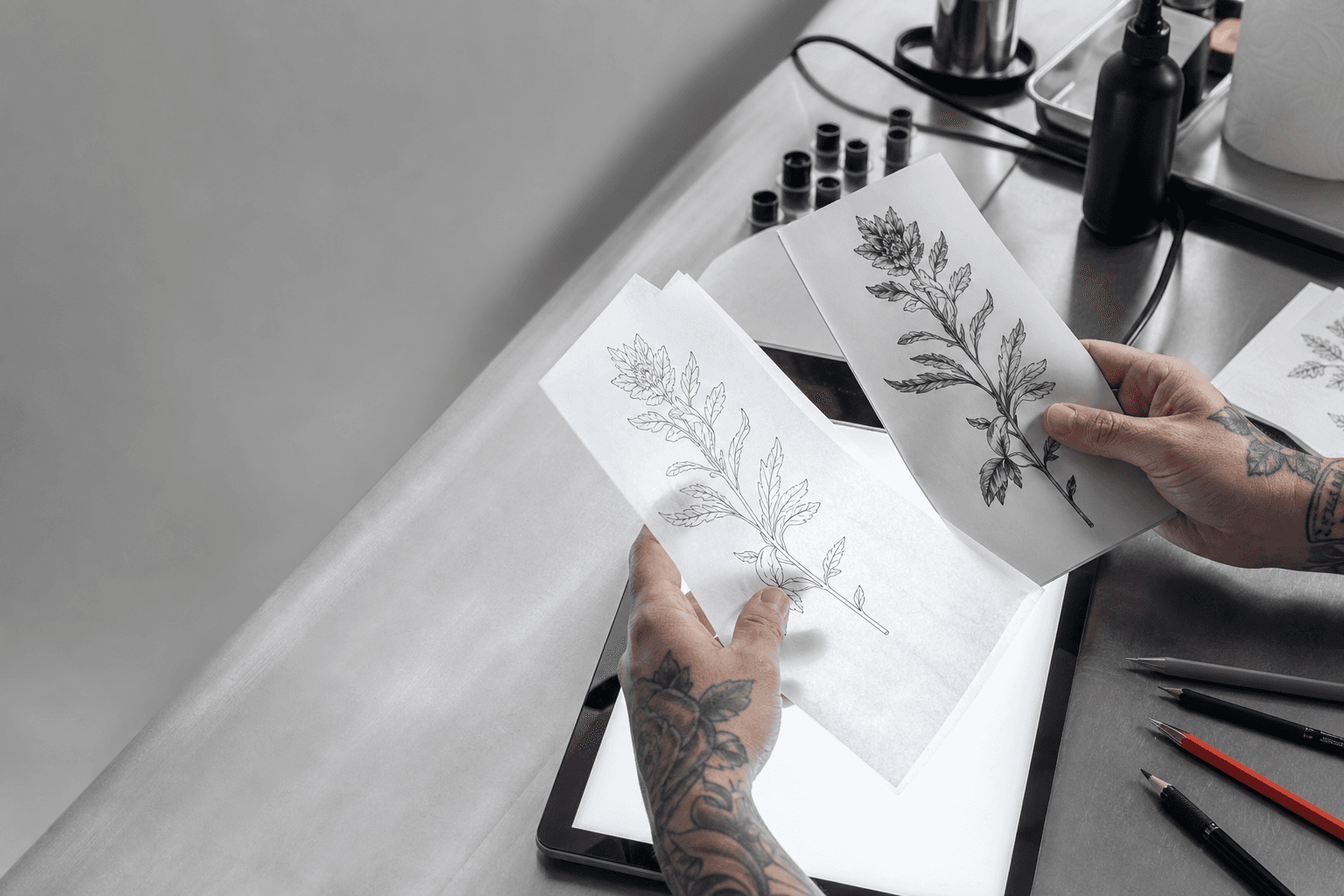
 01 · Source
 02 · Clean Pro export
Three deliberate steps
Prep the linework. Get back to the art.
- 01Choose artwork
Start with a sketch, flash, reference, or finished design from Photos or Files.
- 02Shape the lines
Pick clean, fine, or bold. Adjust detail, ink strength, exposure, crop, and rotation.
- 03Export clean linework
Your first three full-resolution PNG exports are free. After that, Pro unlocks unlimited exports for printing and transfer.
The station view
Built for the iPad on your station.
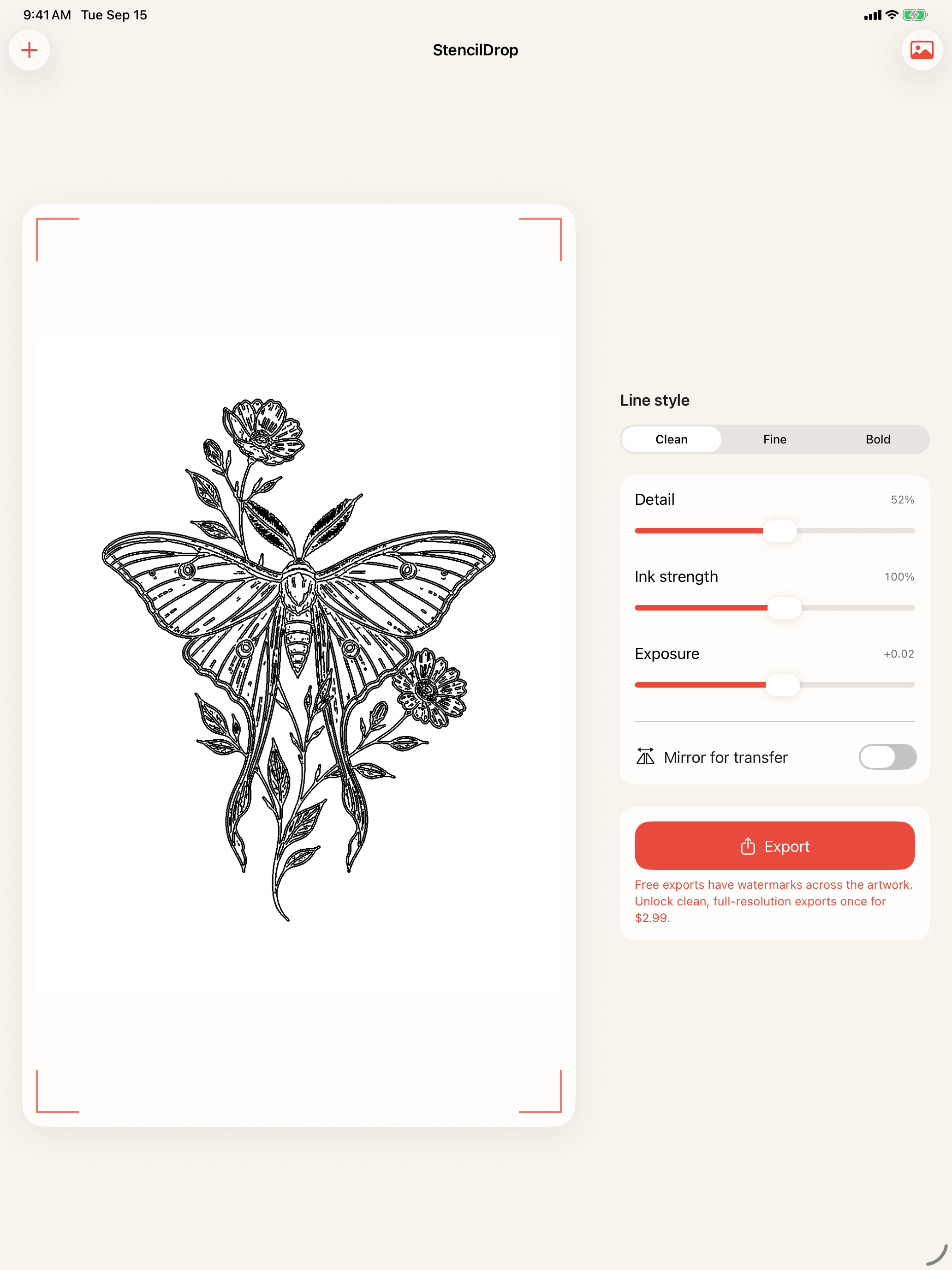
A wide workspace keeps the art large and the controls close. Changes stay visible while you tune the stencil, with no modal panels hiding the result.
- Large, live stencil preview
- Persistent tuning controls
- One-tap mirror and export choice
Simple pricing
A tool you buy once.
Get three clean, full-resolution exports free. Unlock unlimited exports for printing and transfer with one purchase.
First 3 exportsClean, full-resolution, mirror-ready PNGs with no watermark.
StencilDrop ProUnlimited clean, full-resolution PNG exports for life.
Straight answers
Before you put it on the station.
Does StencilDrop upload my artwork?
No. StencilDrop processes the image on your iPhone or iPad. There is no account, artwork server, or image upload.
Can I use StencilDrop on iPad?
Yes. The iPad workspace keeps the stencil preview and editing controls visible together, which suits a studio or station workflow.
Can it mirror artwork for thermal transfer?
Yes. Mirror the finished stencil before sharing or printing when your transfer workflow reverses the image.
Which source images work best?
Use a clear subject, even lighting, and a background that is not too busy. Clean sketches and high-contrast artwork need the least adjustment.
How does export pricing work?
Your first three exports are clean and full resolution. On the fourth export, unlock unlimited PNG exports for printing and transfer once for $2.99. There is no watermark, subscription, or credit system.
Private by design
Your artwork stays yours.
No account. No analytics SDK. No ad network. No developer-operated image server.
Read the privacy policy